
On your mark. Get set. GoBand™.
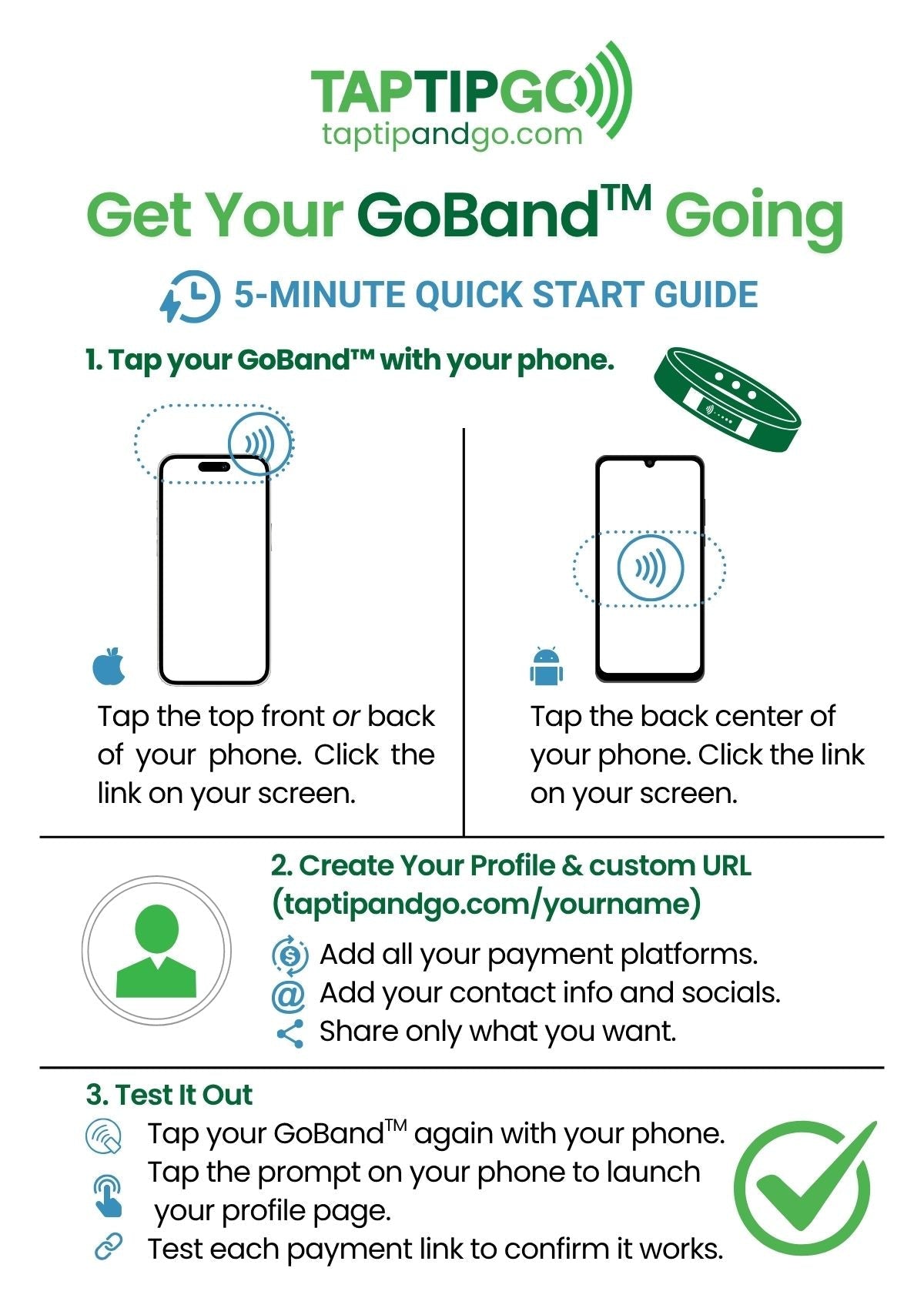
Quick Start Guide
Read the instructions here or download them below. *Note: Android users, check that your NFC settings are turned on in your phone. Go to settings, search "NFC" or "Contactless Payment," and toggle on before setting up your GoBand™.
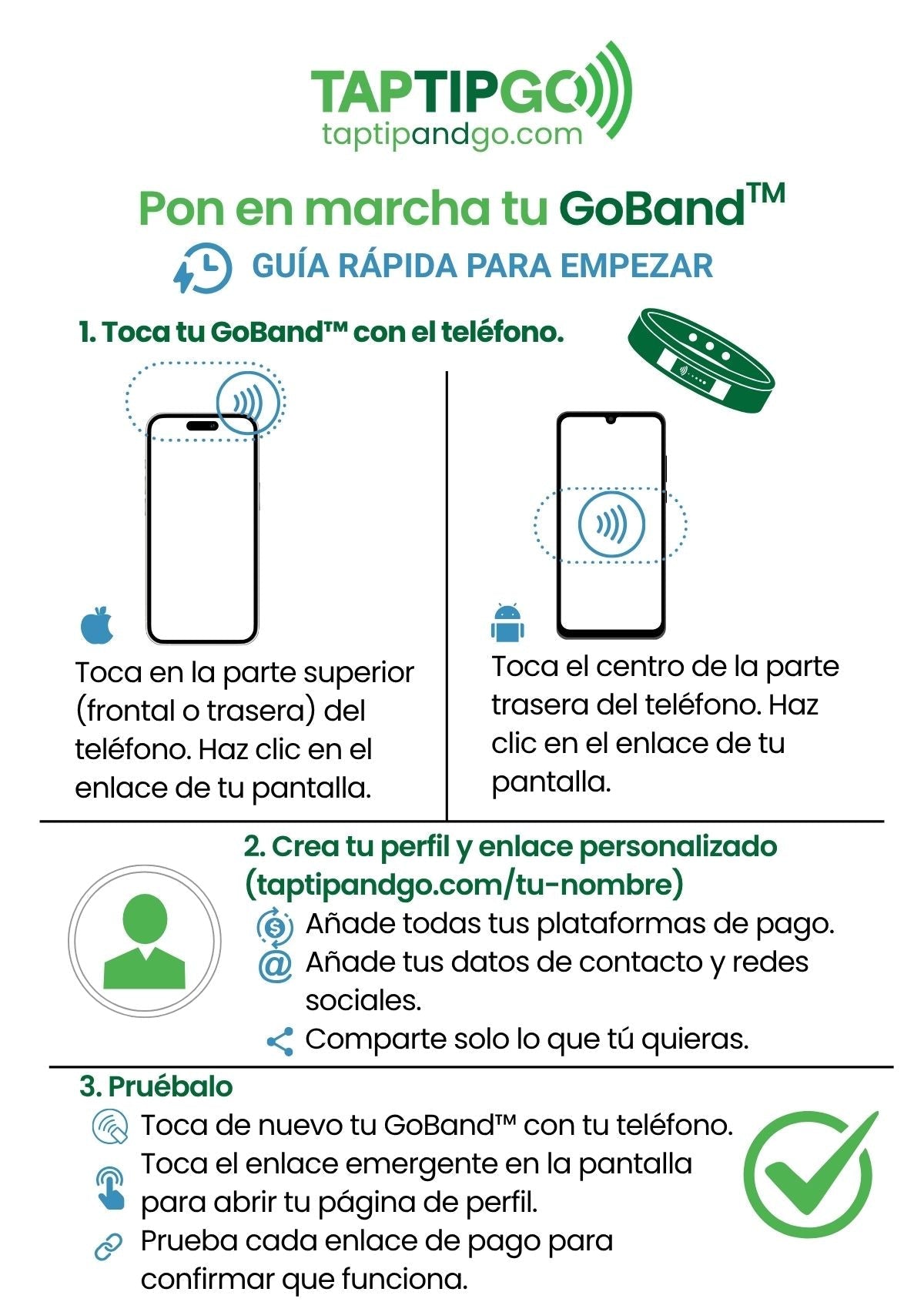
Guía de inicio rápido
Lea las instrucciones aquí o descárguelas abajo. *Nota: Usuarios de Android, comprueben que la configuración NFC esté activada. Vayan a la configuración, busquen «NFC» o «Pago sin contacto» y actívenlo antes de configurar su GoBand™.

Multi-User GoStand™ Setup
Get your Multi-User GoStand™ setup. Initiate the setup with the phone of the account or business owner. Once you have linked your email address with your phone, you may complete the setup on a computer or tablet. Download the PDF below for instructions.